Canvas: Live Editing Without the Bloat
The Infinite builder is great for assembling pages from section types. But sometimes you need to tweak individual elements, change a heading’s font size, adjust the padding on a specific card, move an image. That’s what Canvas does.
Element-Level Editing
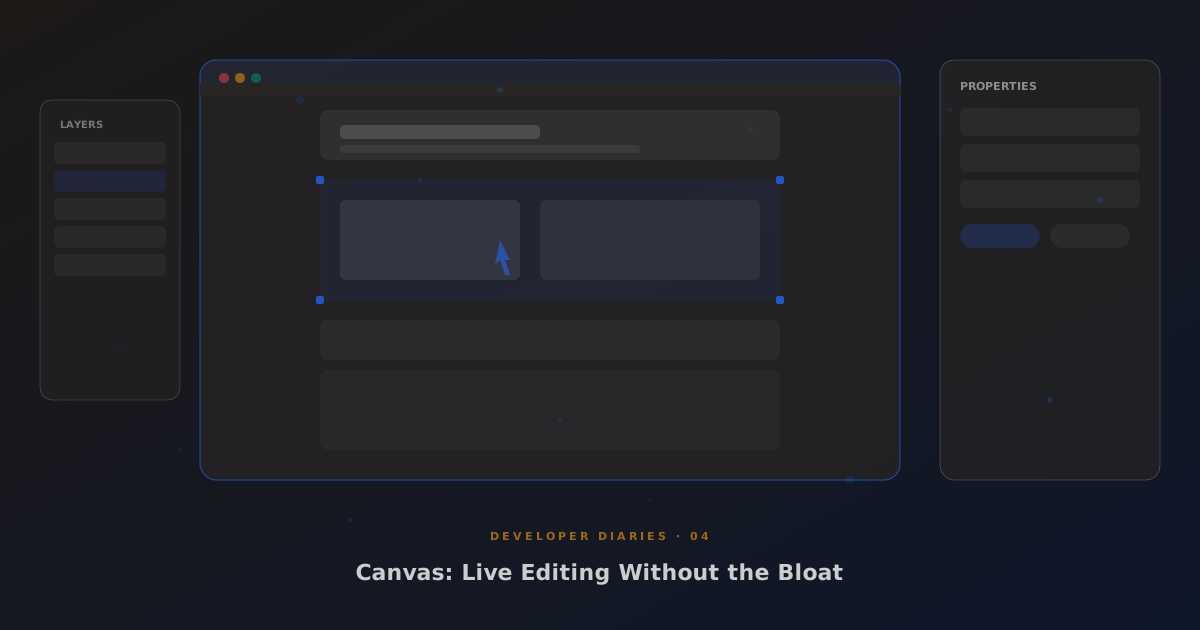
Canvas renders your Infinite page in a live preview iframe and lets you click on any element to select it. Selected elements get resize handles, a property panel on the right, and inline contenteditable for text. Change a heading, see it update in real time. Drag a resize handle, watch the layout respond.
The property panel shows context-sensitive controls: font size, colour, spacing, alignment, visibility. Changes are written back to the section’s element_styles setting as CSS-in-JSON, so they persist through rebuilds and don’t conflict with the section type’s base styles.
Undo/Redo
Every change in Canvas is tracked in an undo stack. Ctrl+Z to undo, Ctrl+Shift+Z to redo. The stack stores diffs, not full snapshots, so it’s memory-efficient even for complex pages with dozens of sections.
No Framework Required
Canvas is vanilla JavaScript. No React, no Vue, no Svelte. The live preview is an iframe pointing at the page’s render URL with a ?canvas=1 parameter that injects the editor overlay. Communication between the parent and iframe uses postMessage. The whole thing works because we control both sides of the iframe, something you can only do when you own the rendering engine.