The Glass Portal System: Three Tiers of Access
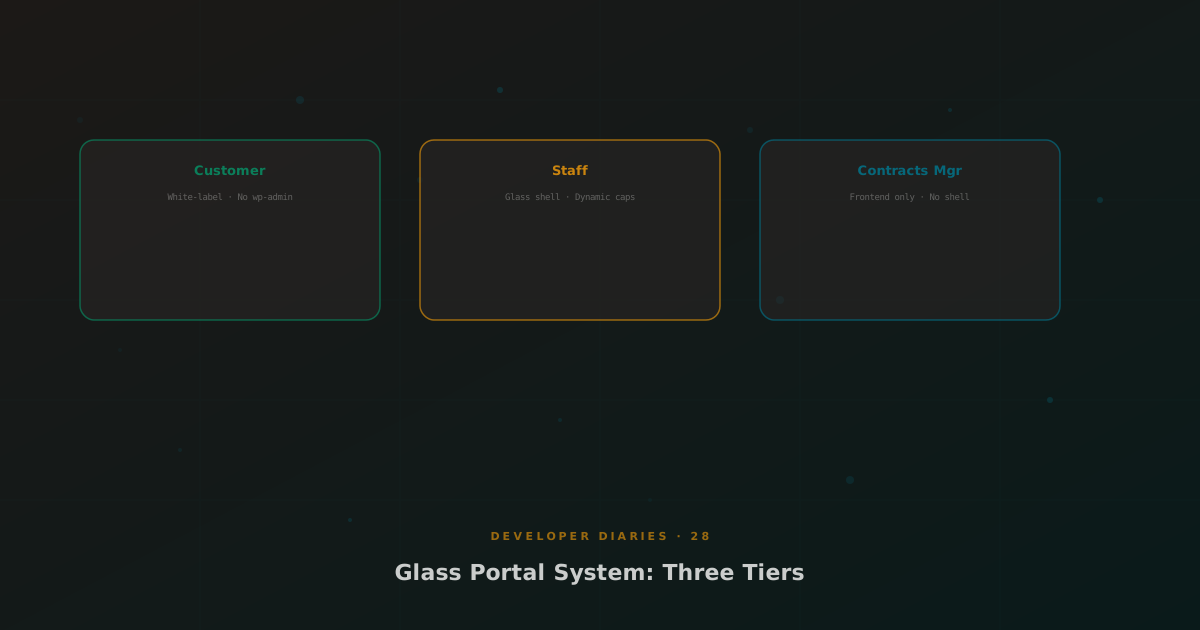
Glass started as an admin shell, a replacement for wp-admin. But MSP customers needed a different kind of interface: a branded portal where they could view tickets, pay invoices, and manage contracts. Staff needed a middle ground: more access than customers, but not full admin. The portal system evolved to handle all three tiers.
Customer Portal
Rendered by Stripe Pro’s
shortcode. Default tabs: Invoices, Subscriptions, Payment Methods, Profile. MSP Hub injects Tickets, Quotes, Services, and Contracts tabs via hooks. White-label CSS applies automatically. Customers see their MSP’s brand, never WordPress or AJT.
Staff Portal
Glass staff roles (ajt_config_manager, ajt_finance_manager, ajt_msphub_manage_services) receive a dynamic manage_options grant via user_has_cap filter, not the actual capability. This gives them Glass shell access and plugin functionality while keeping “real admin” checks (checking directly) working correctly.
Contracts Manager
A frontend-only role that never sees the Glass shell. Contracts Managers access a dedicated frontend interface built with shortcodes. They can send contracts, manage services, and run the Onboarding Master dashboard, but they cannot access wp-admin or any Glass apps. This role is explicitly excluded from the Glass shell via the user_has_cap filter.
Per-App Visibility
Every Glass app specifies a required capability. The app registry filters visible apps per user. Staff roles see only the apps relevant to their function. Plugin adoption brings third-party plugins into Glass, but their visibility can be restricted per role. The result is a tailored admin experience for every user tier.