Glass Windows: A Desktop Inside a Browser
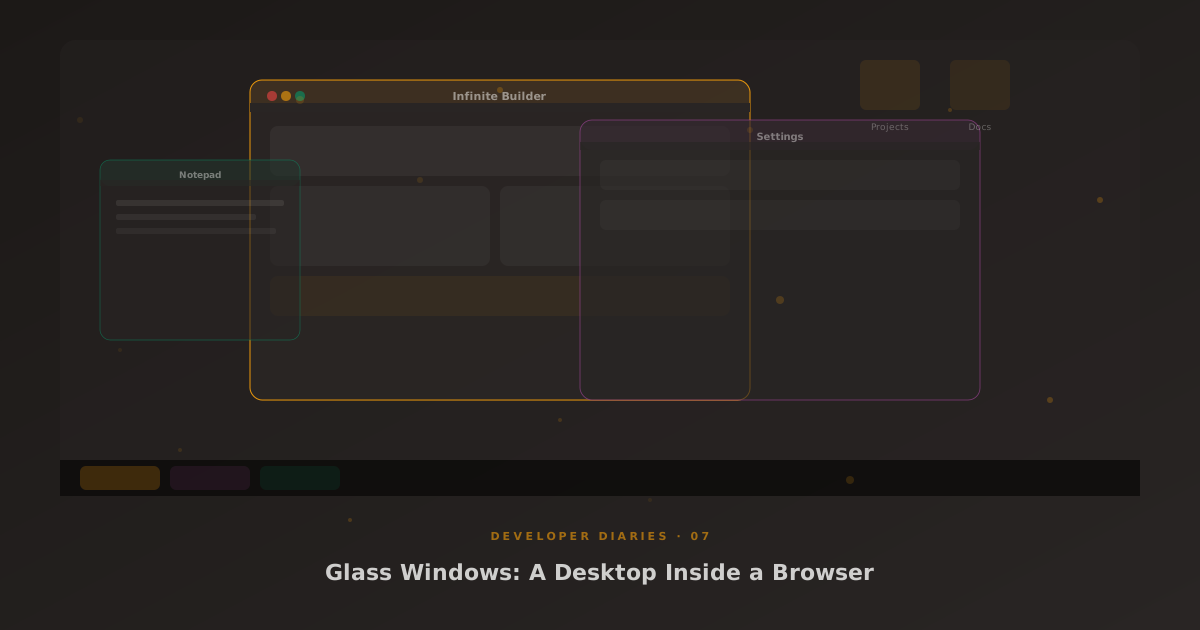
Glass Windows is the feature nobody asked for but everyone loves. It turns the Glass admin into a desktop environment with floating, draggable, resizable windows, each one running a different app.
Why?
The real answer is multitasking. When you’re managing an MSP, you need invoices open while you’re looking at a ticket while you’re checking a customer’s service contract. Tabs work, but switching between them breaks your flow. Windows let you see everything at once, arrange them how you like, and snap them to edges for split-screen layouts.
How It Works
Each window is a div with a title bar, content area, and resize handles. The window manager tracks z-order, minimise state, and positions. Dragging uses pointer events with requestAnimationFrame for smooth movement. Snap-to-edge triggers when a window is dragged within 20px of the viewport edge, it snaps to fill half or a quarter of the screen.
Desktop folders are draggable icons that persist their positions in user meta. Minimised windows appear in a taskbar at the bottom. The whole state, which windows are open, their positions, which folders are on the desktop, persists across sessions.
Chromeless Mode
Some apps look better without window chrome. The calculator, notepad, and clipboard apps can render in chromeless mode, no title bar, transparent background, just the app floating on the desktop. It makes Glass Windows feel less like a gimmick and more like a real operating environment.