The Portal Framework
Glass’s secret weapon isn’t the admin shell or the page builder, it’s the portal framework. No other WordPress builder can do what Glass portals do: give every user tier a purpose-built, branded, data-driven interface.
Three Tiers
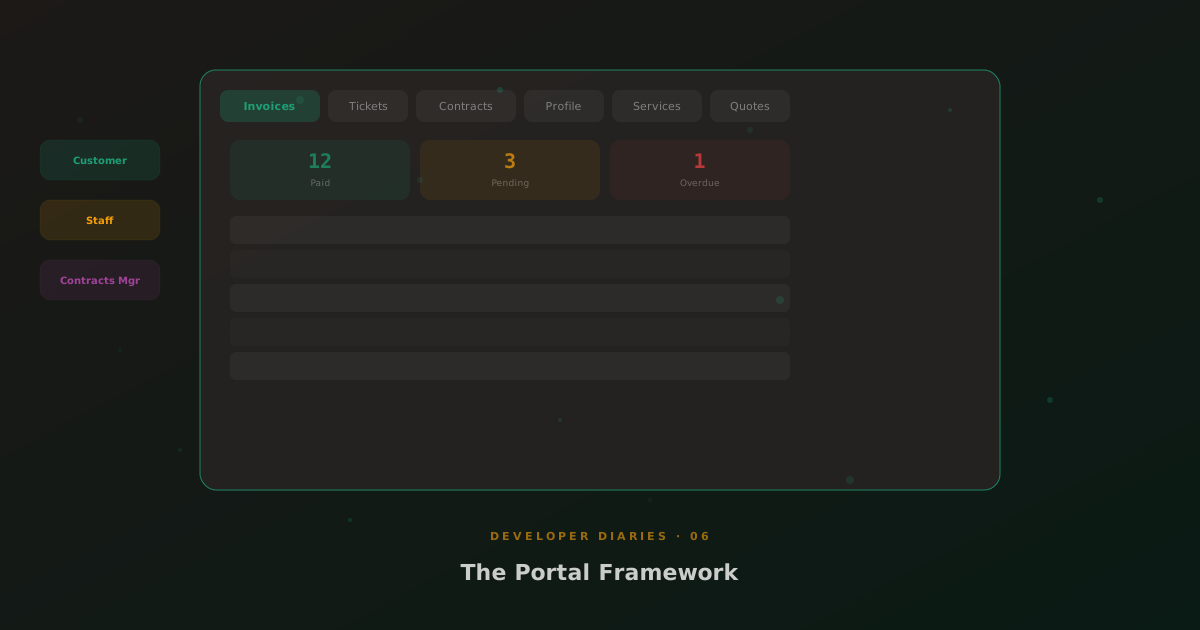
The portal framework serves three audiences. Customers see a self-service portal with invoices, tickets, quotes, contracts, services, and payment methods. Staff see a management portal with customer overviews, dispatch tools, and team dashboards. Contracts Managers get a specialised frontend for managing customer relationships, approvals, and finance, without ever seeing wp-admin.
Each tier is built from portal section types, 17 in total. These aren’t static HTML; they’re live data renderers that query Stripe Pro for invoices, MSP Hub for tickets, and the WordPress database for user records. Every portal section follows the same “table-in-panel” design pattern: summary strip, filter tabs, scrollable table, pagination.
Extensible Tabs
Stripe Pro’s customer portal is a tabbed interface. Default tabs: Invoices, Subscriptions, Payment Methods, Profile. But the architecture is hook-driven, MSP Hub injects Tickets, Quotes, Contracts, and Services tabs without touching Stripe Pro’s code. The portal framework is exactly that: a framework, not a monolith.
White-Label Branding
MSP Hub’s white-label CSS engine means every customer portal can be branded differently. Primary colours, logo, font, all driven by CSS custom properties that the white-label system injects at render time. One WordPress installation, many branded portals.